
Blog — Page 2
Guides for HanFlow PC programs — how to get everyday PC tasks done.
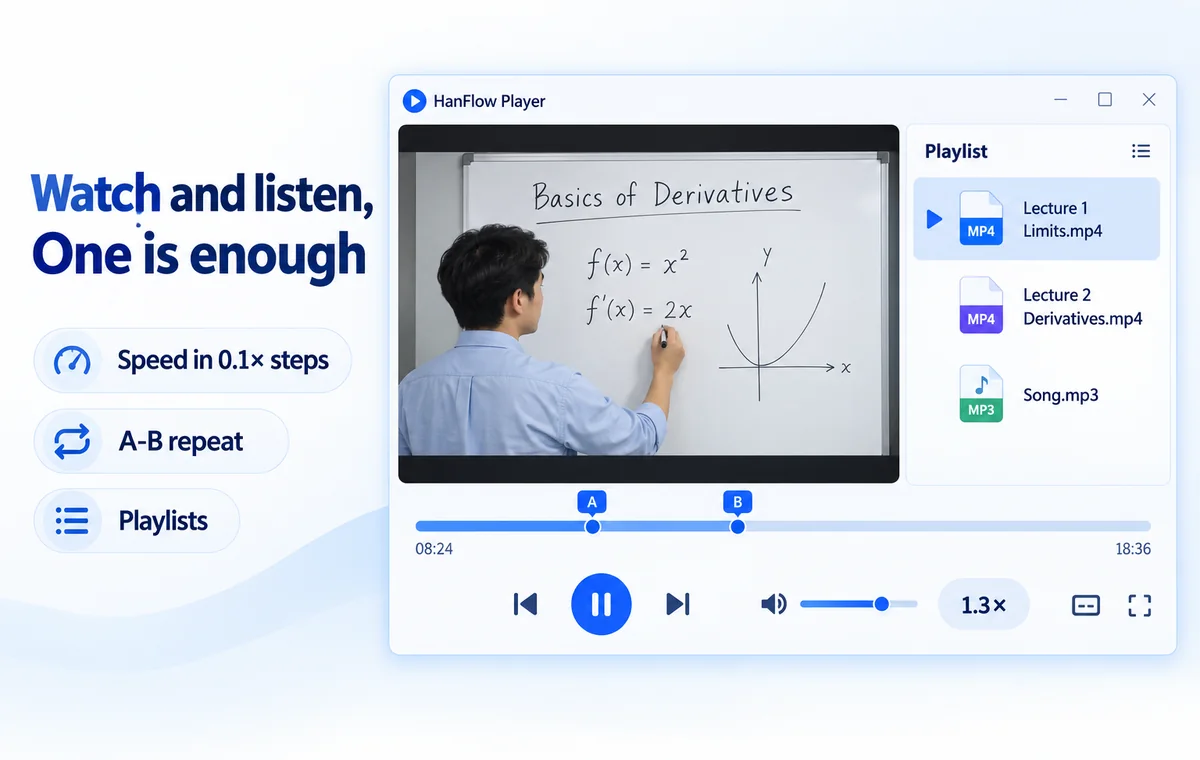
How to change video playback speed on your PC — 1.5×, 2× or slower
In HanFlow Player, press C for faster and X for slower in 0.1× steps (0.25× to 3×), Z to jump back to normal, or right-click › Playback speed for presets.
Read more →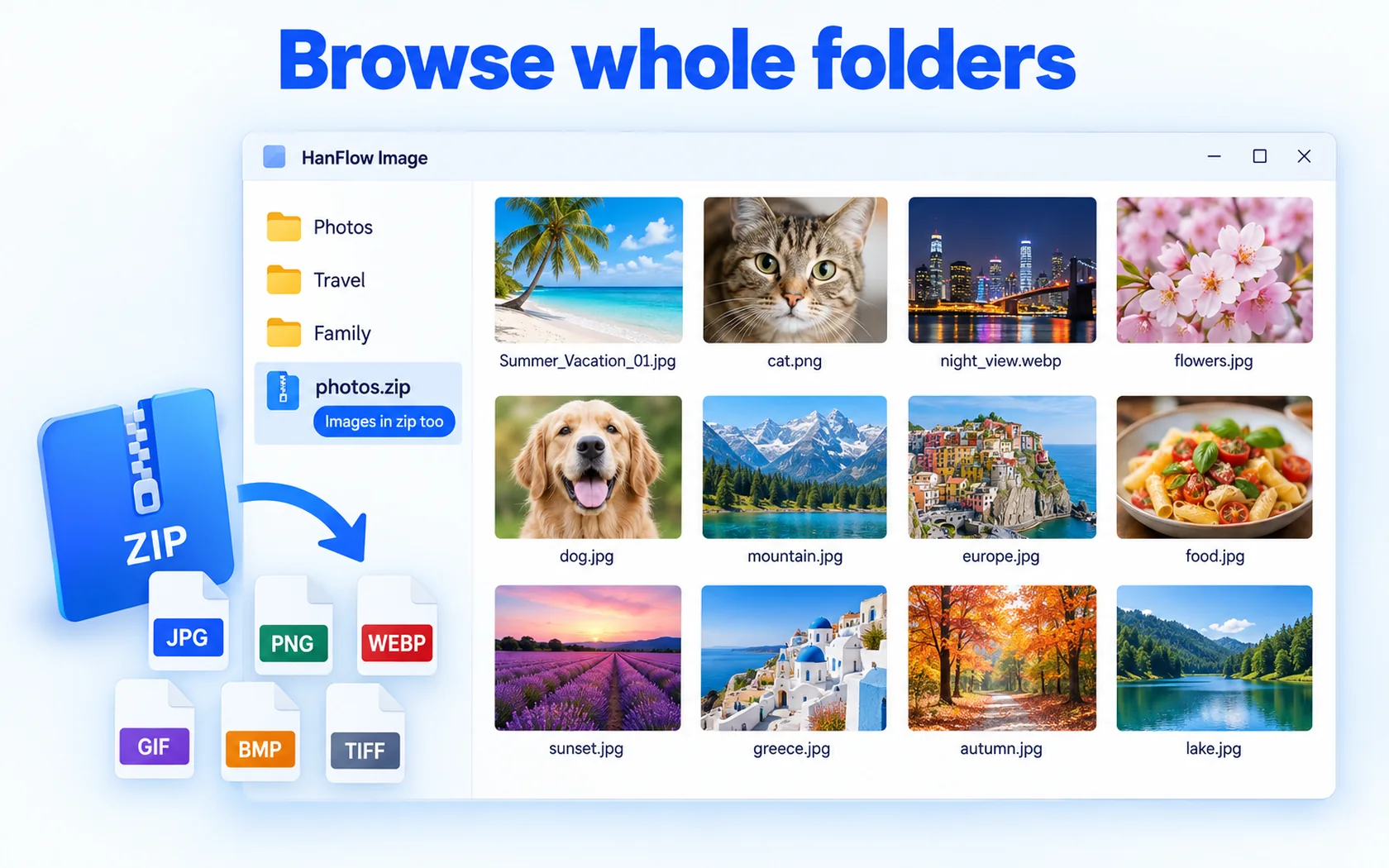
How to convert HEIC to JPG on Windows — iPhone photos in HanFlow Image
Install the Windows photo extensions so HEIC opens, then press Ctrl+E, pick JPG under Target file format, set Quality (%), check Save path and Save options, and click OK — one photo at a time.
Read more →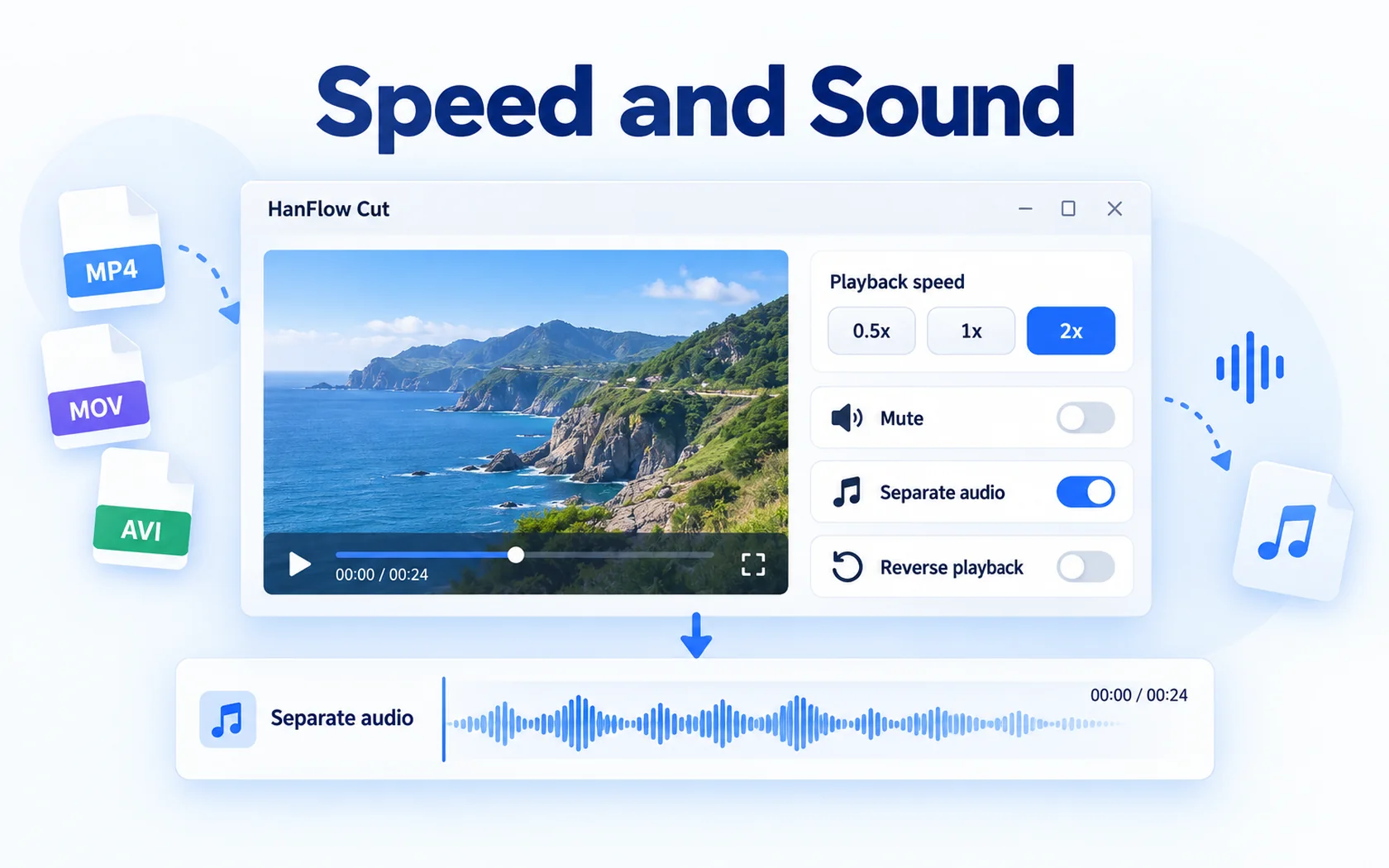
How to remove audio from a video — mute, detach or export without sound
In HanFlow Cut, right-click a clip and choose Mute, or Detach audio (separate track) and delete or trim it, or set Audio to None in Export…. Export audio only (.m4a) does the opposite.
Read more →How to convert WebP to JPG on Windows — HanFlow Image
Open the WebP, press Ctrl+E (or the Convert button), pick JPG under Target file format, set Quality (%), check Save path and Save options, then OK.
Read more →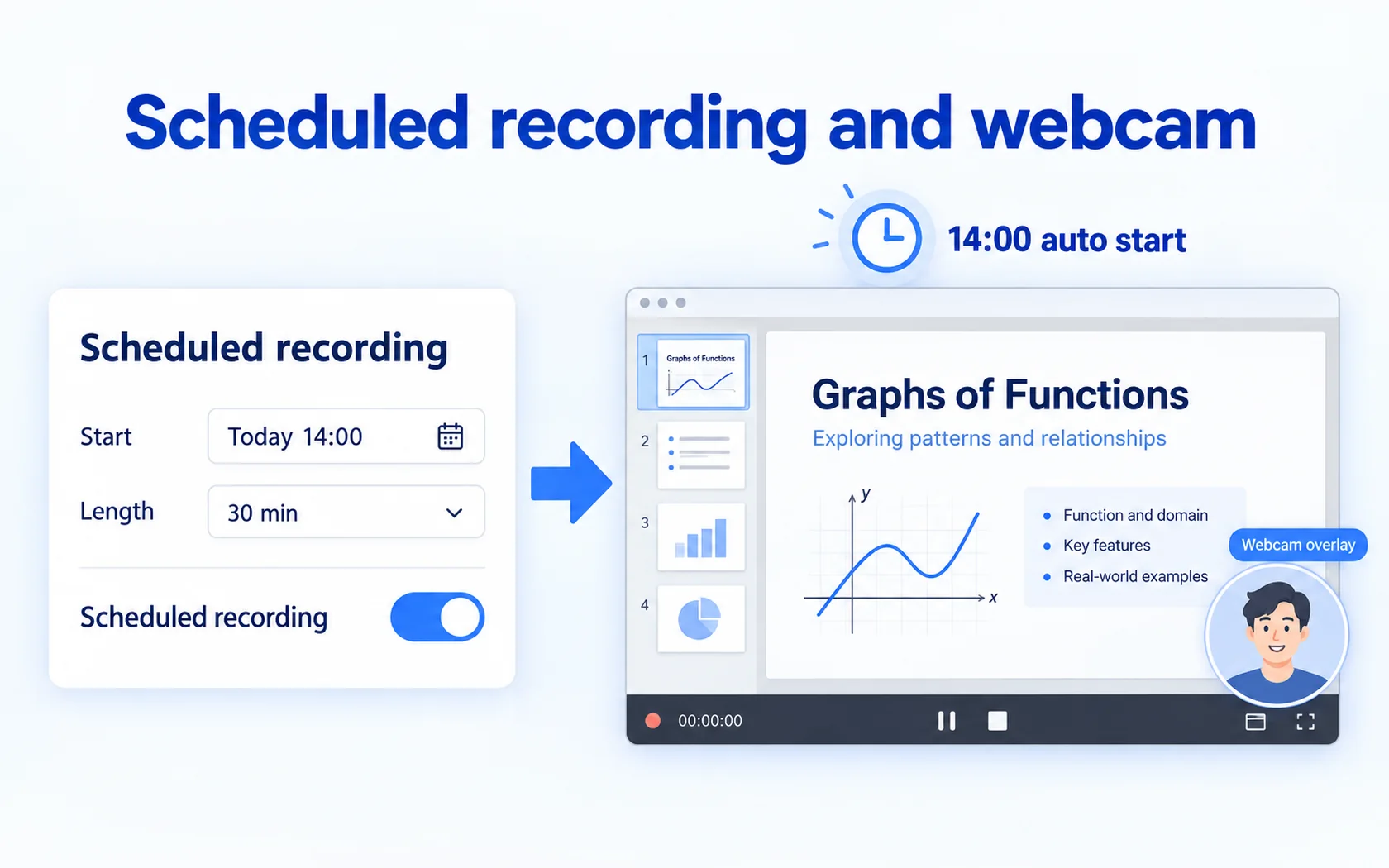
How to schedule a screen recording — start at a set time, stop by itself
In HanFlow Cap, choose Scheduled recording… in the recording menu, start after N seconds or at HH:MM / MM-DD HH:MM (within 8 days), and the recording stops by itself and saves an MP4.
Read more →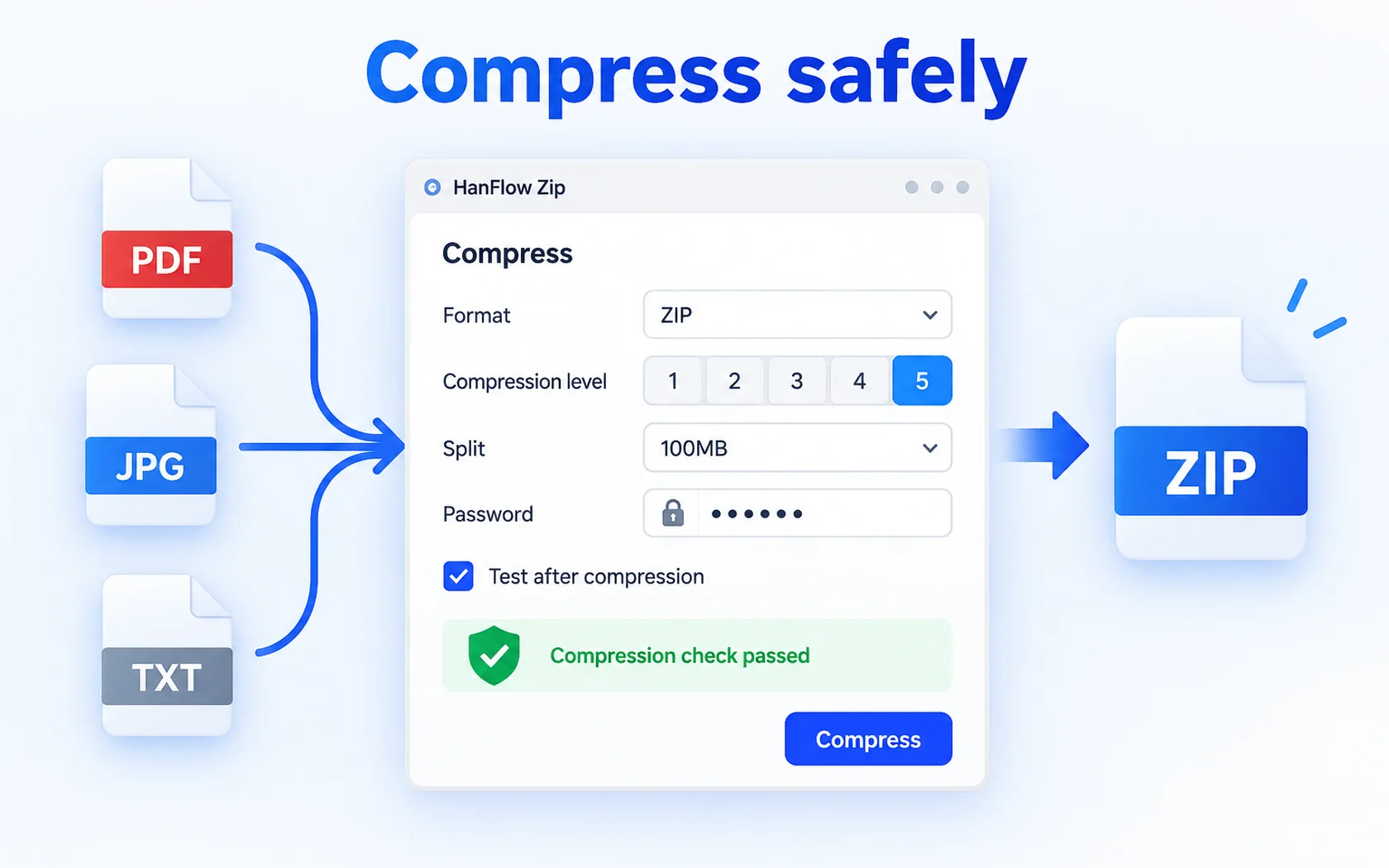
How to password-protect a ZIP file — AES-256 or ZipCrypto with HanFlow Zip
Right-click, Compress with HanFlow Zip, set Format to ZIP and turn on Password. Pick AES-256 (recommended) or ZipCrypto (compatible), split big archives into .001 parts and test after compressing.
Read more →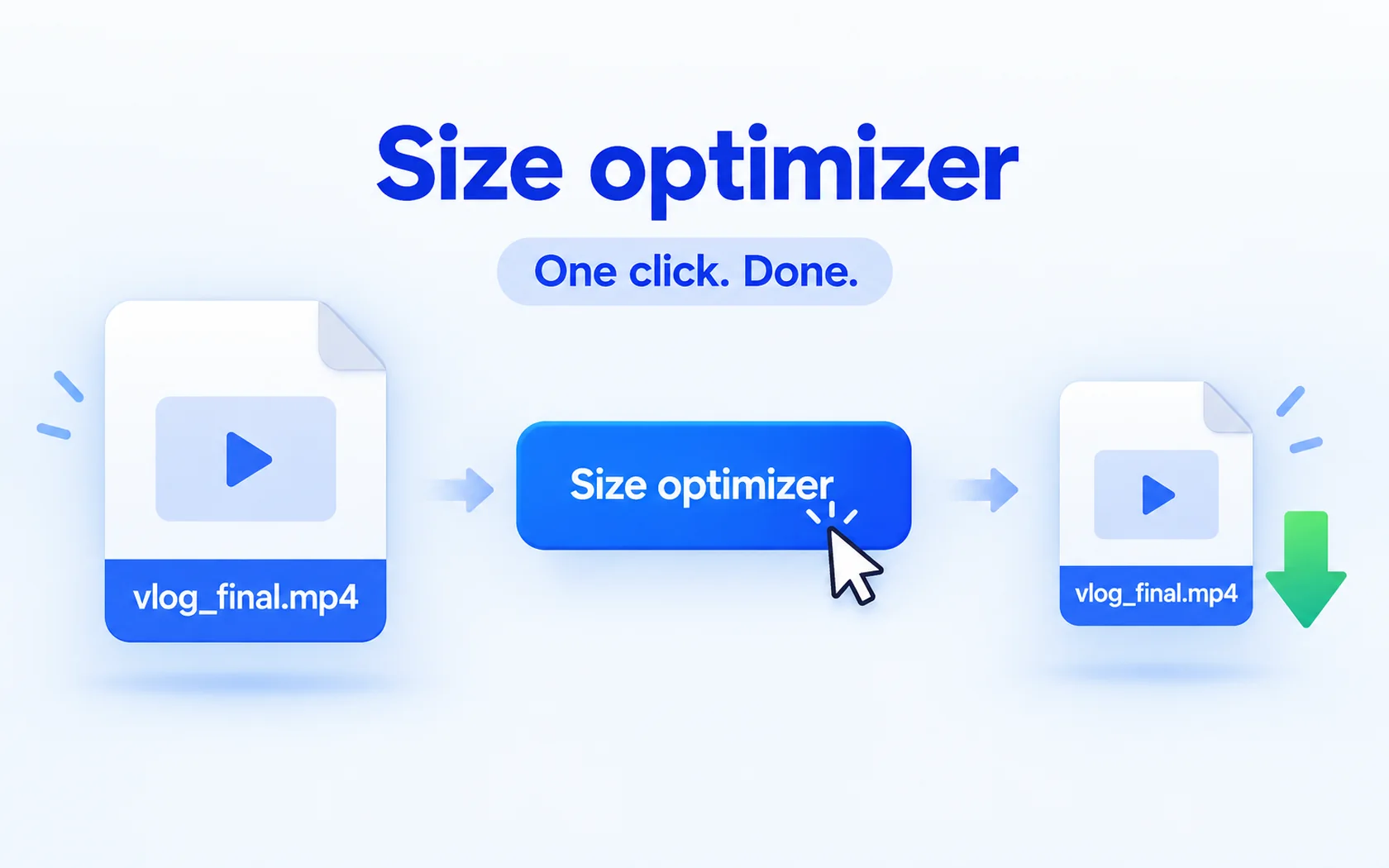
How to make a video file smaller — trim, export smaller, one-click size optimization
Video too big to email or upload? In HanFlow Cut, trim what you don't need, export at a lower resolution or frame rate, or shrink the file with one-click size optimization.
Read more →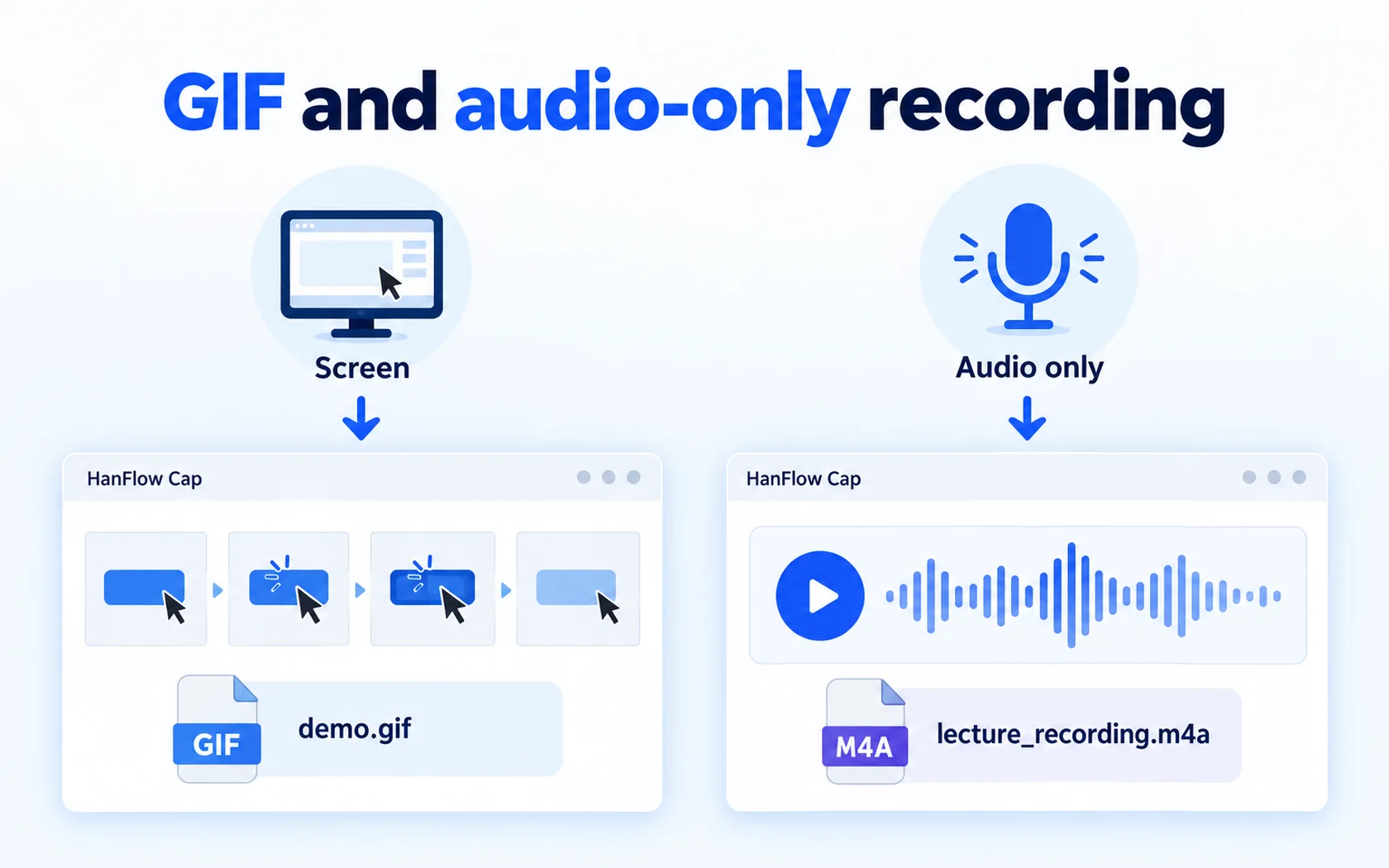
ScreenToGif alternative with screenshots and recording with sound — HanFlow Cap
Looking for a ScreenToGif alternative? HanFlow Cap records the screen to MP4, GIF or M4A with system sound and microphone, and also takes scrolling screenshots you can mark up and pin.
Read more →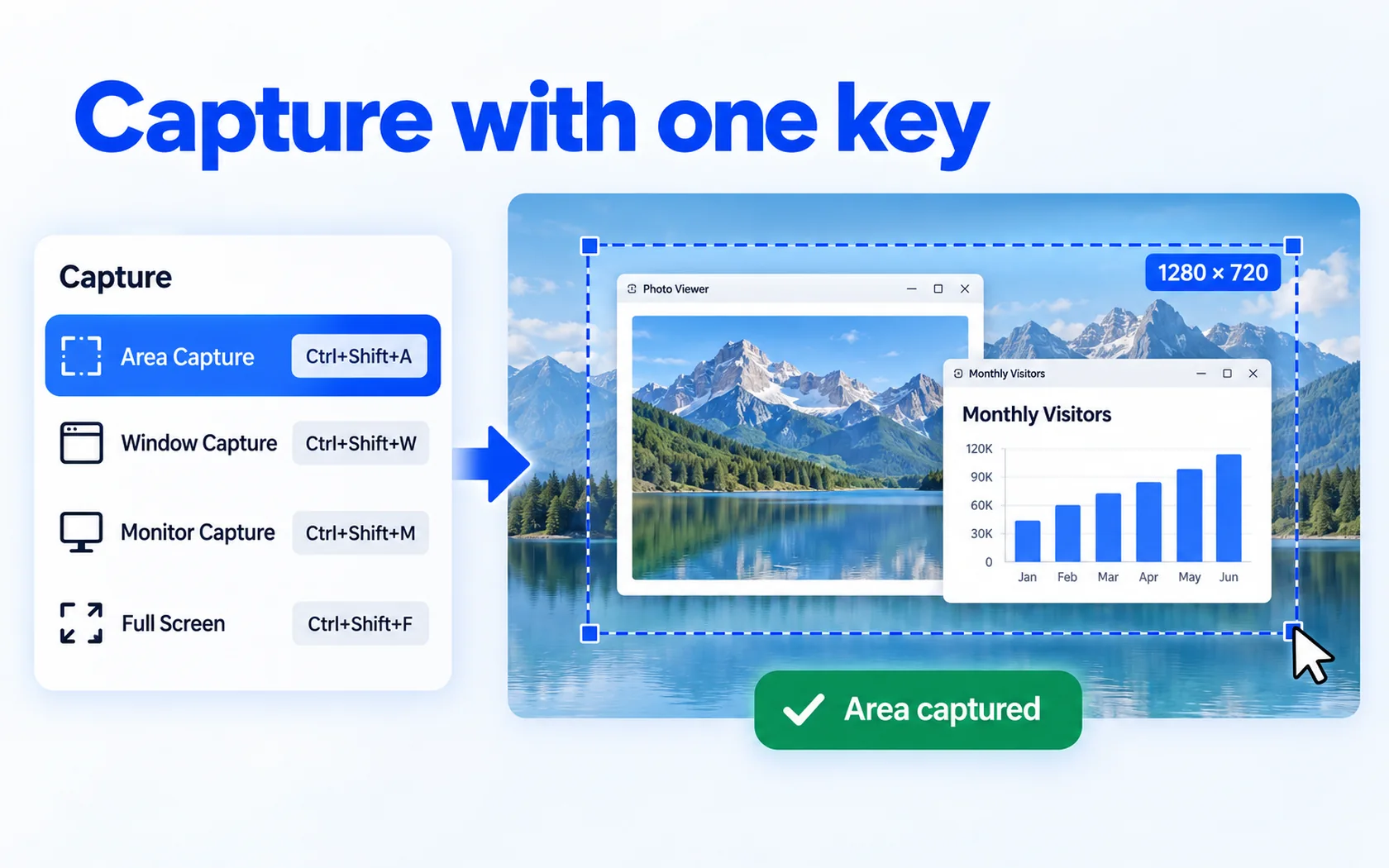
Snipping Tool alternative with scrolling capture and recording with sound — HanFlow Cap
Looking for a Snipping Tool alternative? HanFlow Cap takes scrolling screenshots, pins captures on screen and records MP4, GIF or M4A with system sound and microphone.
Read more →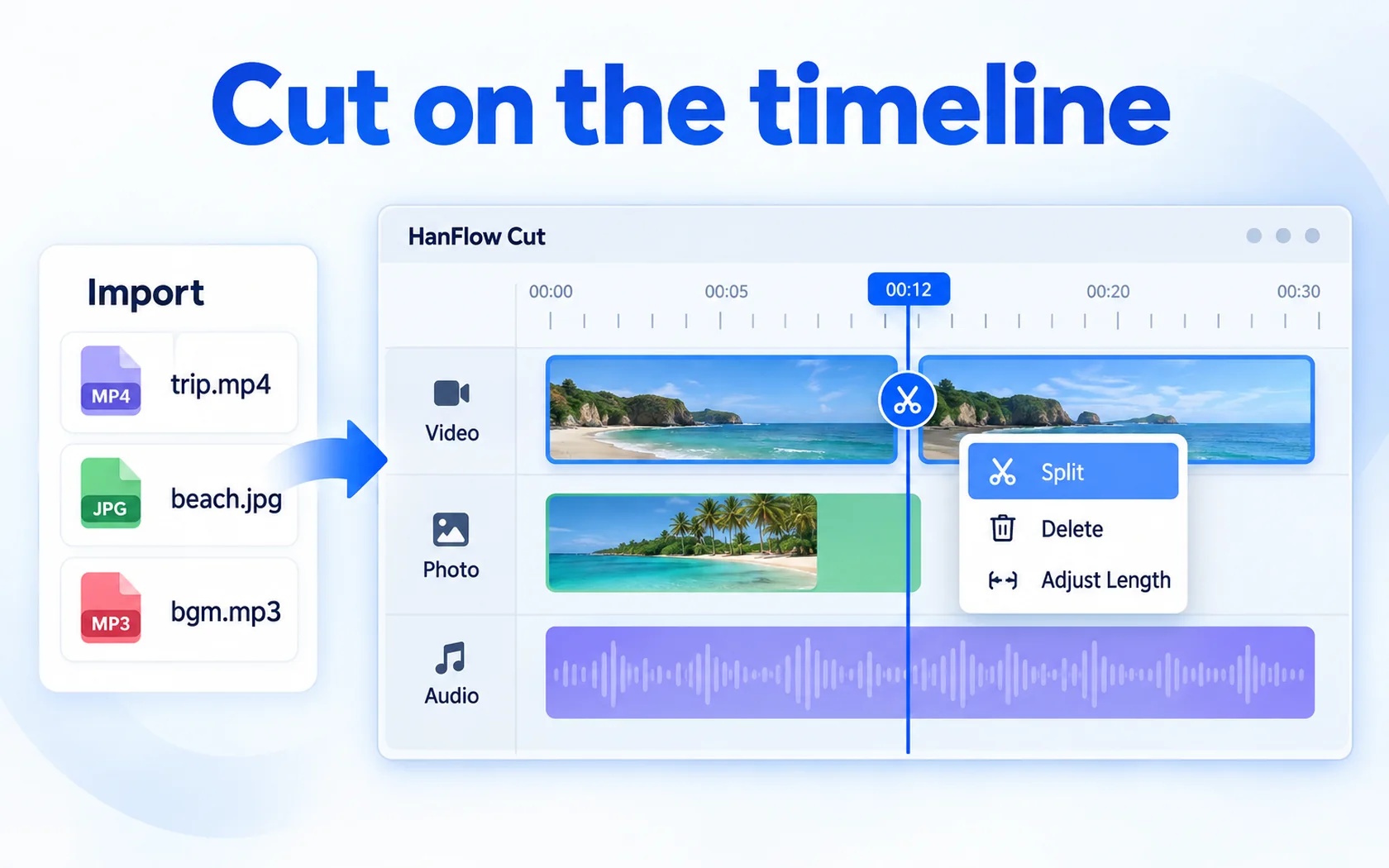
Clipchamp alternative with no sign-in and 4K export — HanFlow Cut
Looking for a Clipchamp alternative? HanFlow Cut edits on a timeline with no account, adds captions from speech and exports MP4 up to 4K, with projects kept on your PC.
Read more →