
HanFlow Cap
Press to capture,
Press to capture,
then edit right away
Region, window, monitor and full-screen capture, scrolling capture, and screen recording with sound. Annotate, redact and save your captures right on the spot.
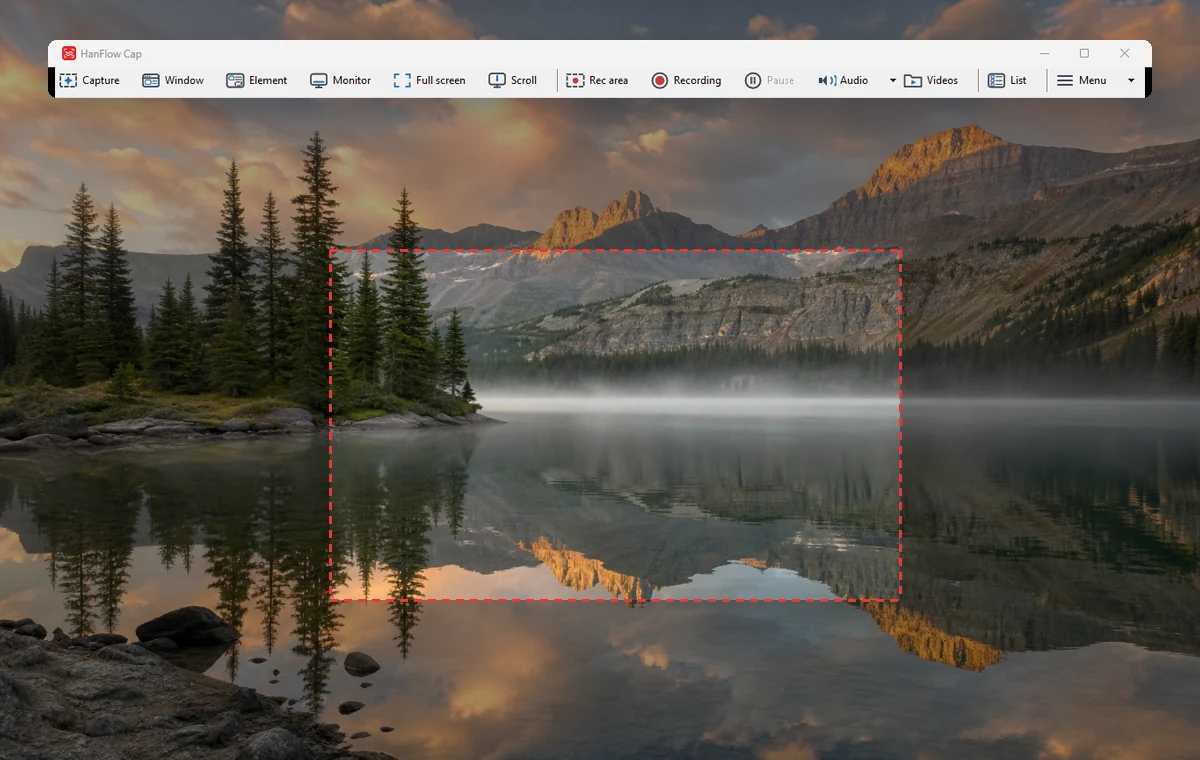
Capture
- Capture a region, window, monitor or full screen (Ctrl+Shift+A · W · M · F)
- Scrolling capture — even long web pages in a single image
- Fixed-size capture and delayed capture (3 · 5 · 10 s)
- Pin captures on screen to keep them in view
- Pen, rectangle, arrow, text, mosaic and crop — 8 shapes plus undo
- Watermarks and printing
Screen recording
- Record system audio and microphone together
- Show/hide cursor · pause · screenshots while recording
- Scheduled recording and webcam overlay
- Audio-only recording (M4A) · GIF recording
Supported formats
| Save capture | PNG · JPG |
|---|---|
| Screen recording | MP4(H.264 + AAC) · GIF · M4A |
| Operating system | Windows (64-bit) |
Some games running in exclusive full-screen mode may record as a black screen.