
Blog
Guides for HanFlow PC programs — how to get everyday PC tasks done.
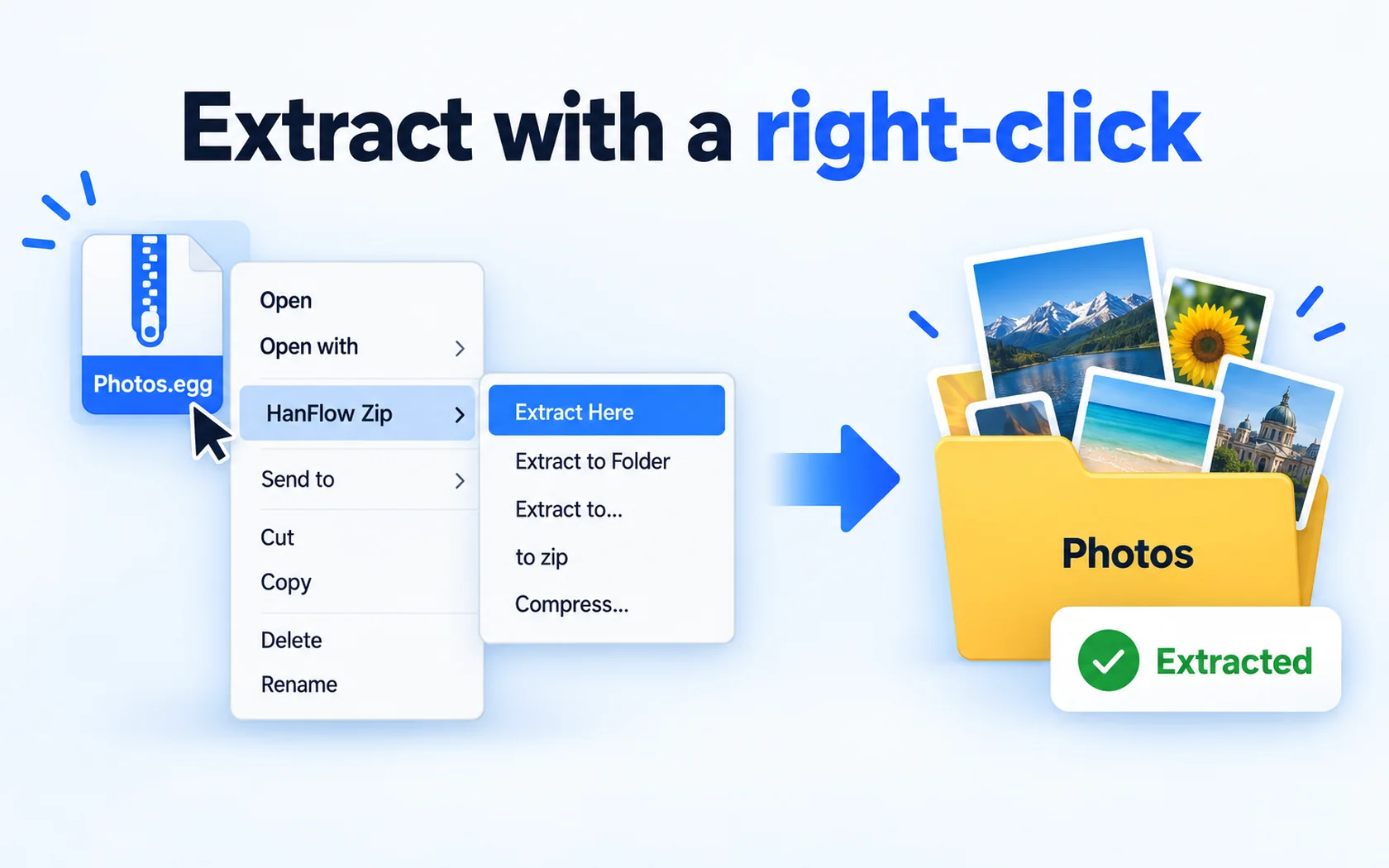
How to open RAR files on Windows — extract with a right-click
Right-click the .rar file and choose Extract to "name" or Extract here. HanFlow Zip opens rar along with 25 other formats, lets you look inside first, and keeps extracting after the 30-day trial.
Read more →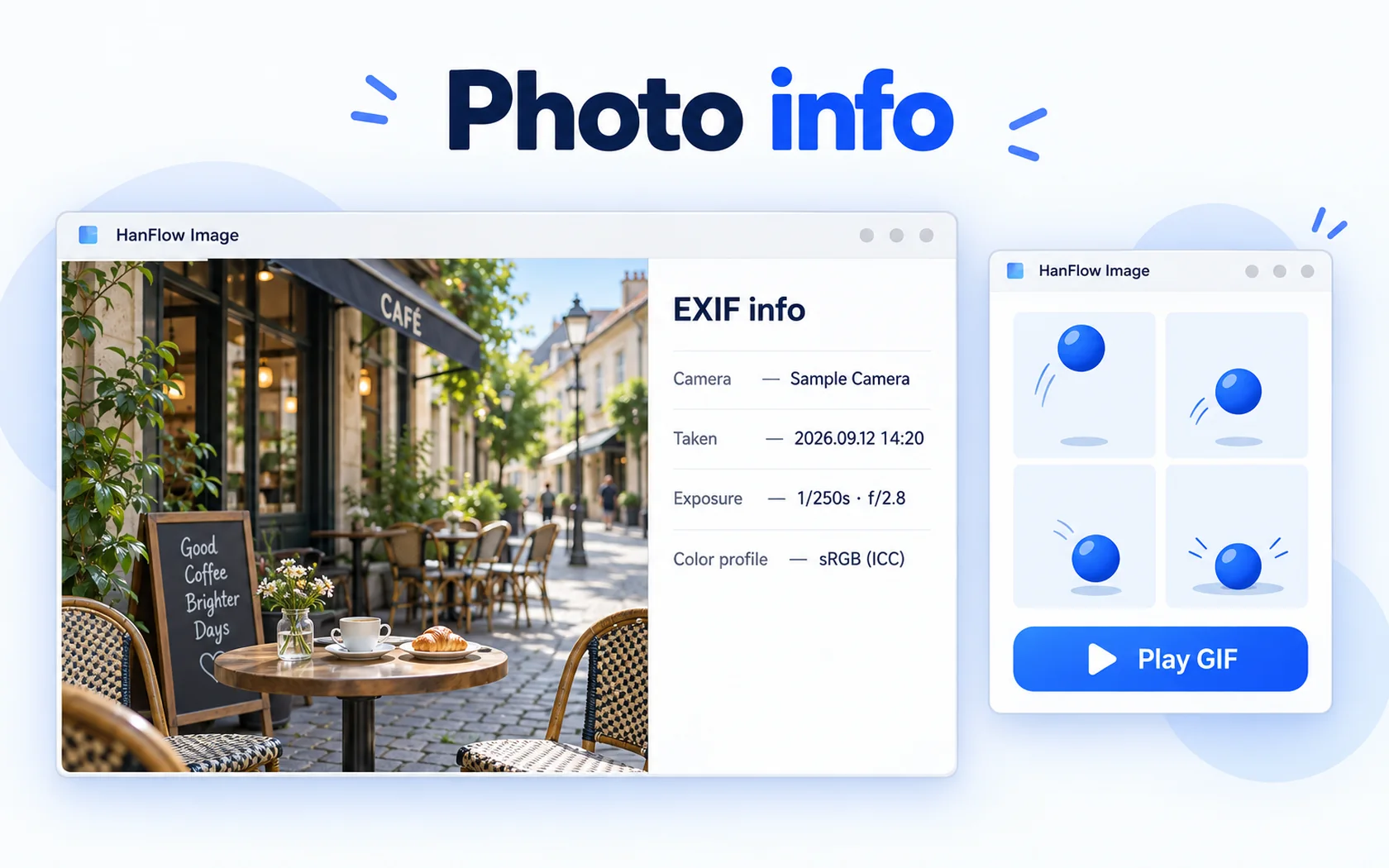
How to view a photo's EXIF data on your PC — camera, date taken, location
Open the photo in HanFlow Image and press I to see Date taken, Camera, Shutter, Aperture, ISO and Location. Properties… (Alt+Enter) adds file details, DPI and print size.
Read more →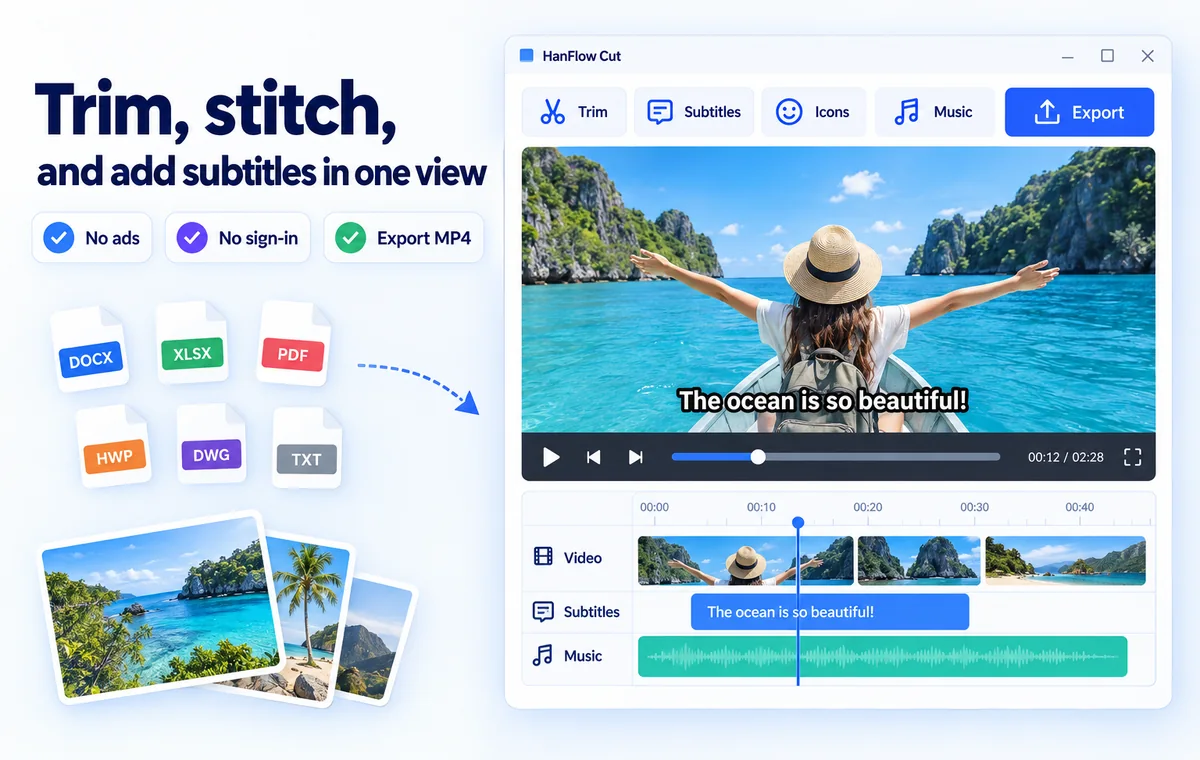
How to extract audio from a video on your PC — save the sound as M4A
In HanFlow Cut, open the ≡ menu and choose Export audio only (.m4a)… to save what you hear on the timeline as an M4A (AAC) file with no video. Your original video is not changed.
Read more →
How to make a quiet video louder on your PC — volume boost up to 400%
In HanFlow Player, drag the volume bar past 100% or press ↑ to boost quiet lectures, meetings and call recordings up to 400%. The file itself is not changed.
Read more →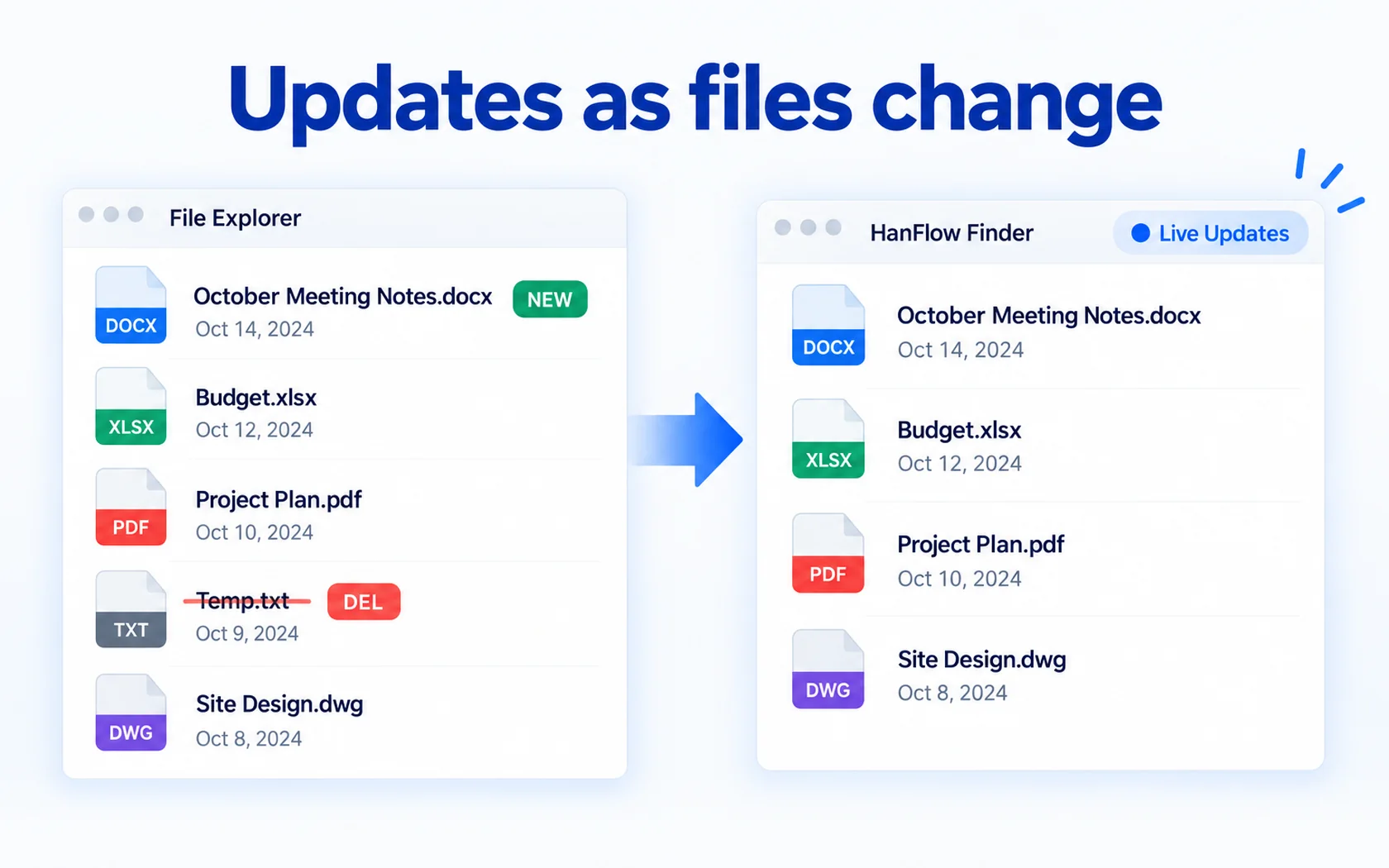
How to search files with wildcards and regex on Windows
In HanFlow Finder, turn on Wildcards *? for whole-name patterns like *.pdf, or Regular Expression (press Enter) for patterns anywhere in the name. Stack Filter by Extension… and This Folder Only….
Read more →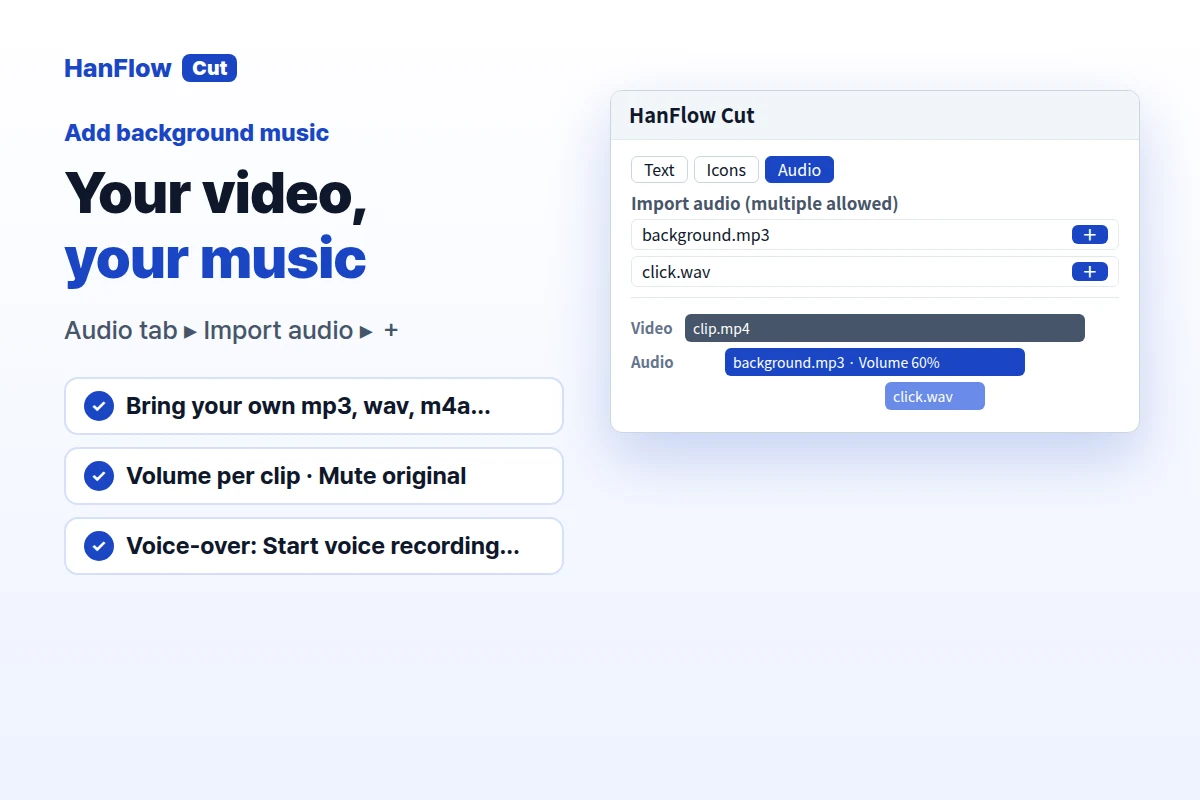
How to add background music to a video on Windows
Import your video, open the Audio tab, Import audio and press + at the playhead. Set Volume per clip, mute the original, trim with split and export MP4.
Read more →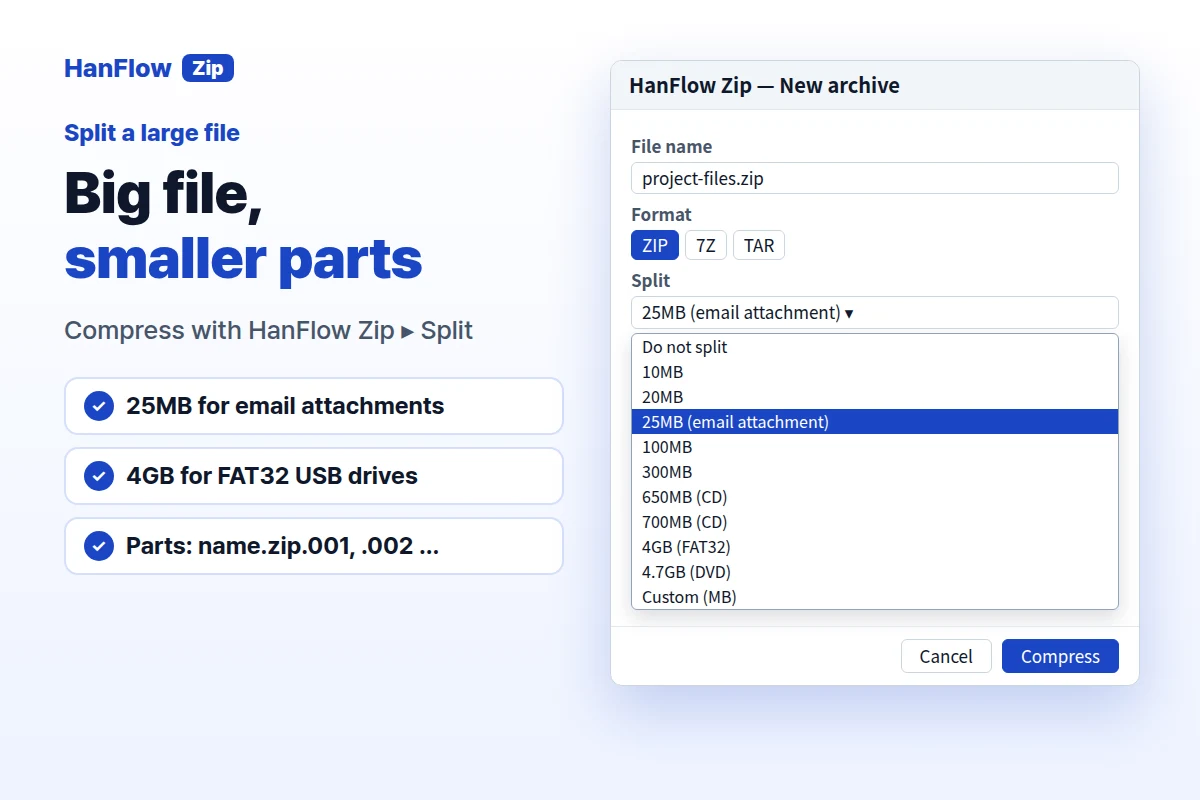
How to split a large file into smaller parts on Windows
Right-click → Compress with HanFlow Zip, pick a Split size (25MB for email, 4GB for FAT32 USB or Custom) and get name.zip.001, .002 … parts.
Read more →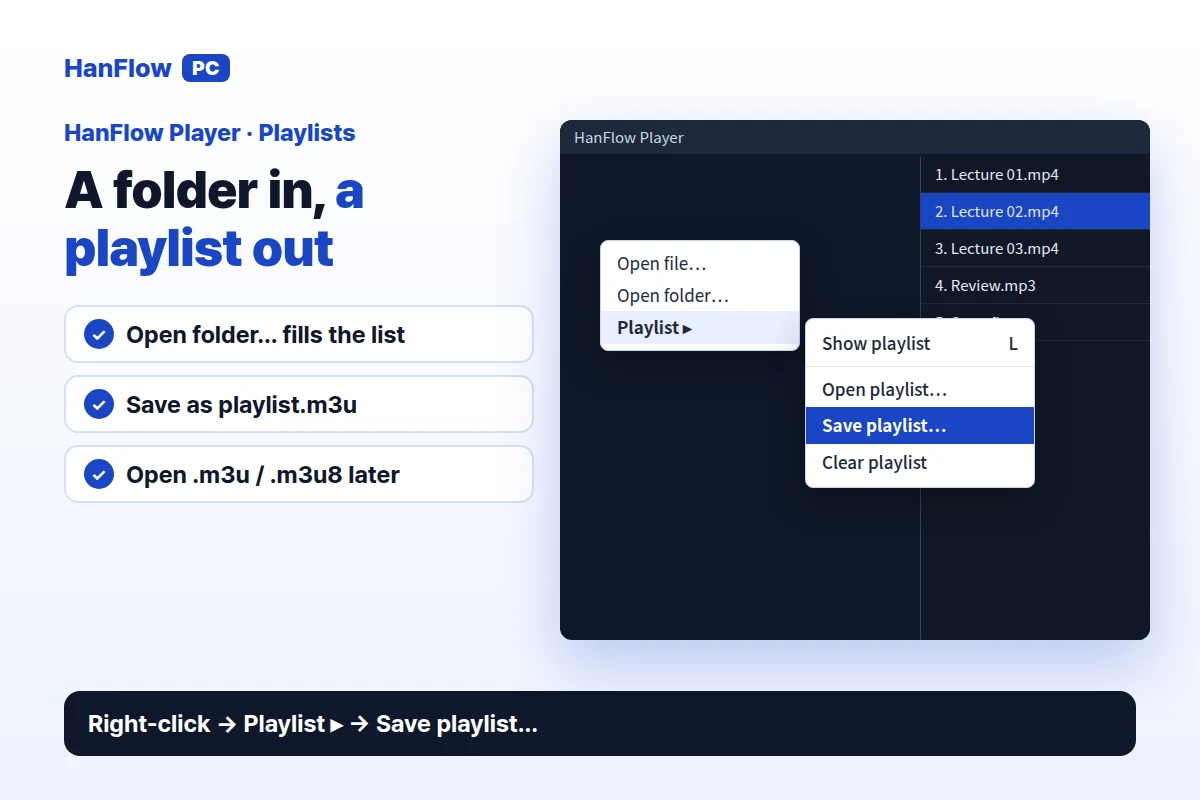
How to make a playlist on Windows and save it as M3U
Right-click HanFlow Player → Open folder… fills the playlist. Press L to see it, then Playlist ▸ Save playlist… writes playlist.m3u you can open again.
Read more →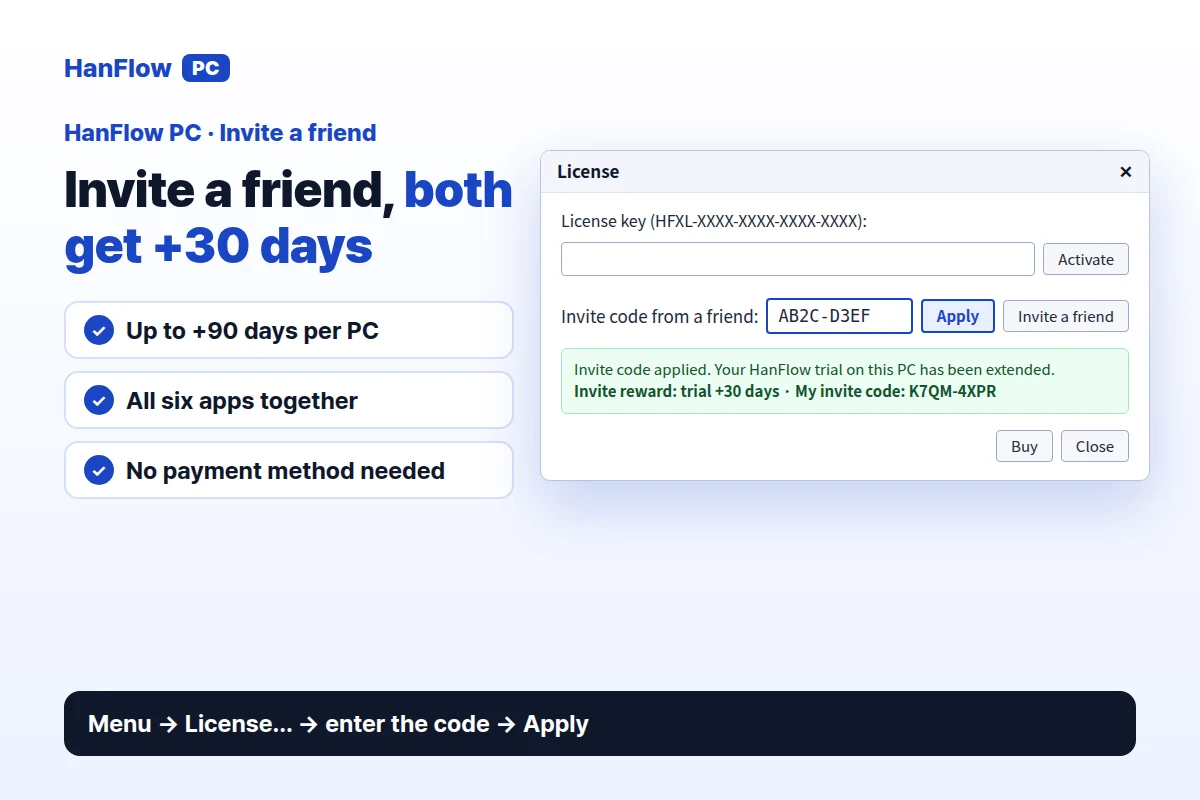
Invite a friend, both get 30 more trial days — HanFlow PC
Menu → License… → enter the code under Invite code from a friend → Apply. You and your friend both get +30 trial days, up to +90 per PC, across all six apps.
Read more →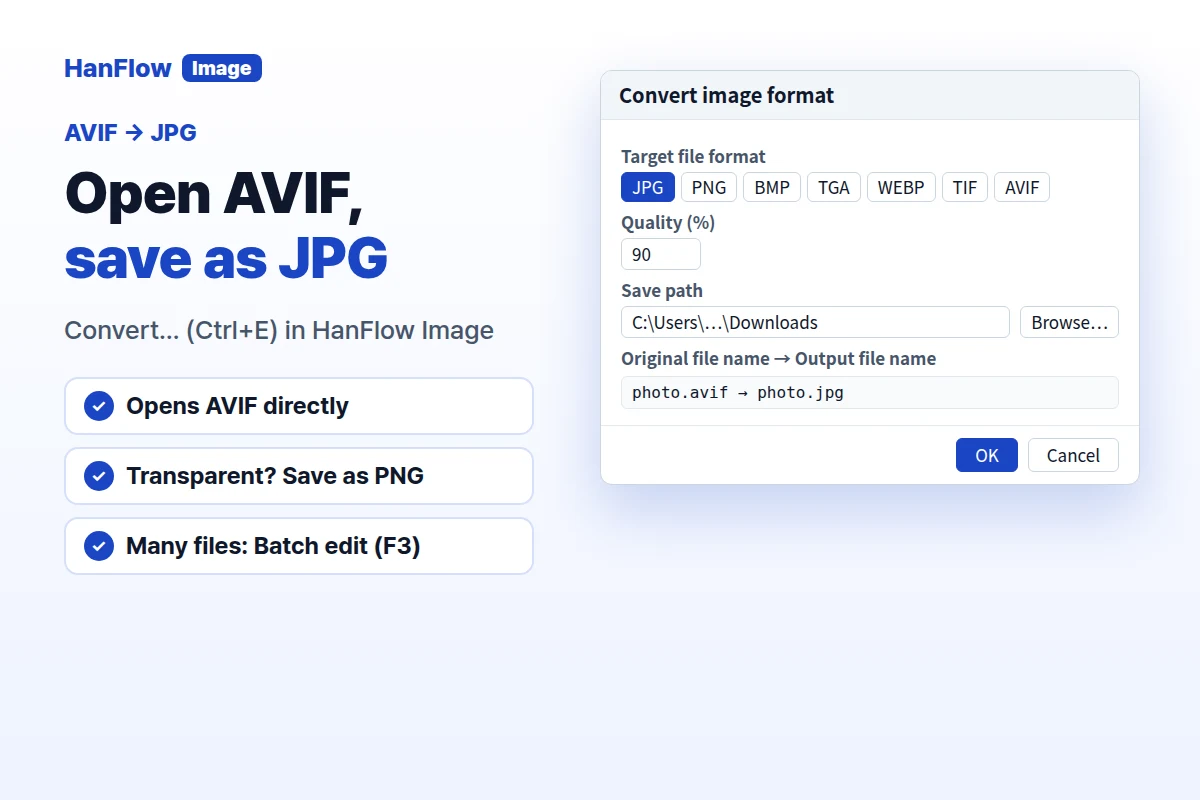
How to convert AVIF to JPG on a Windows PC
Open the AVIF in HanFlow Image, press Ctrl+E, pick JPG under Target file format and click OK. Transparent AVIF? Save as PNG. Many files: Batch edit (F3).
Read more →